Go Grad
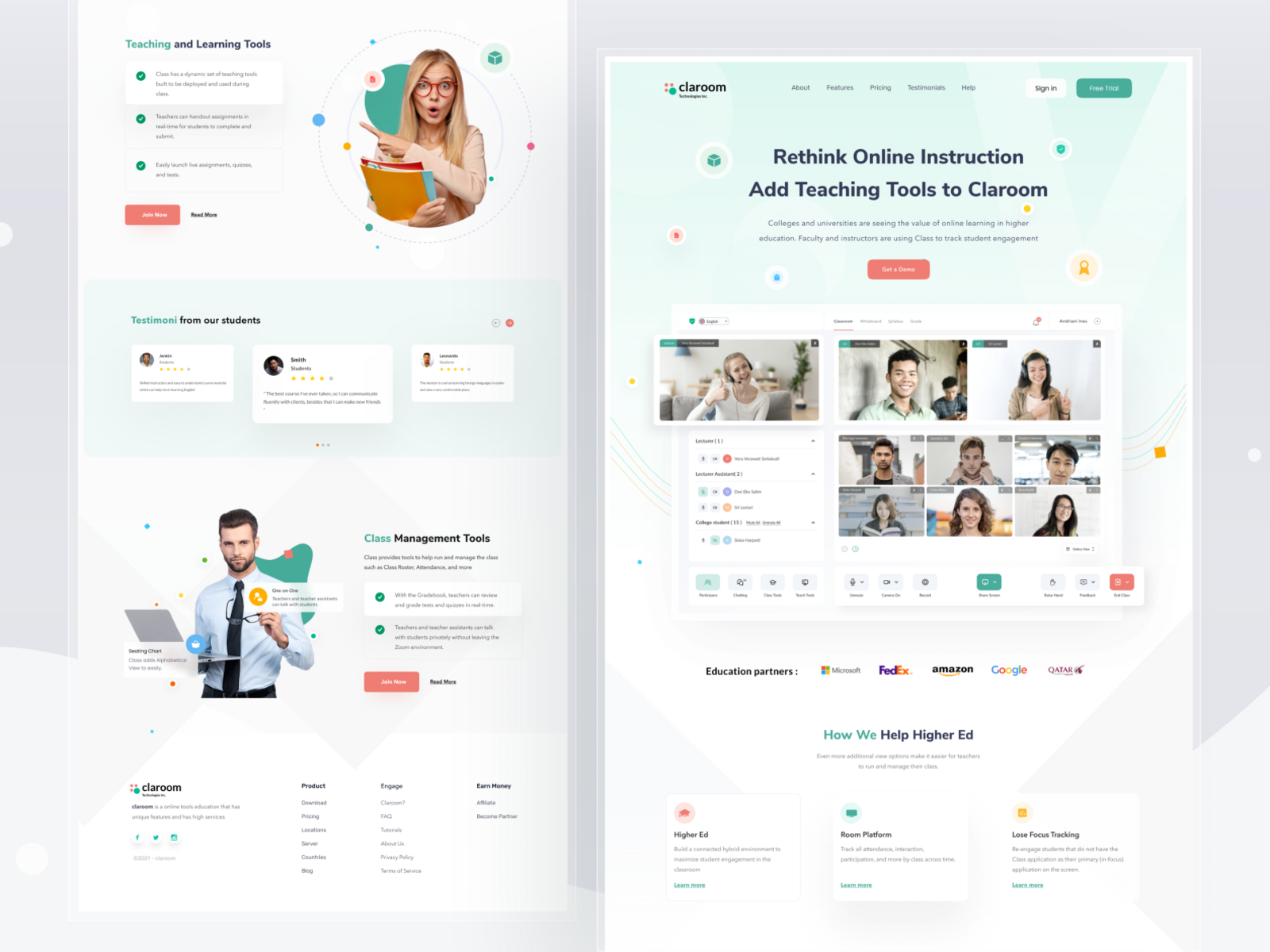
Go Grad is a learning management system with complete site of applications.
1. Ideation & Planning
VTU Student is a web application that helps students to find their college and courses easily.
First, the mobile app development process defines the strategy for evolving your idea into a successful app. You may include a more significant part of this in your overall enterprise mobility strategy. While one app’s objectives may differ from another, there is still an app-specific impact to the mobility strategy to address during the development process.
Planning
At this stage, your app idea starts taking shape and turns into an actual project. Analysis and planning begin with defining use cases and capturing detailed functional requirements. Once you have identified the requirements for your app, prepare a product roadmap. This includes prioritizing the mobile app requirements and grouping them into delivery milestones. If time, resources or costs are a concern, then define your minimum-viable-product (MVP) and prioritize this for the initial launch. Part of the planning phase includes identifying the skills needed for your project. For example, iOS and Android mobile platforms use different development technology stacks. If your goals are to build a mobile app for both iOS and Android mobile platforms then, your mobile development team should include iOS developers and Android developers. Have you selected the name of your app yet? Mobile app names are like domain names and have to be unique within each app store. Research each app store specifically to ensure your app’s name isn’t already in use!
2. UI / UX Design
The purpose of an app’s design is to deliver seamless and effortless user experiences with a polished look. The success of a mobile app certainly hinges on how well users are adopting and benefiting from all its features. The goal for mobile app UI / UX design is creating excellent user experiences making your app interactive, intuitive, and user-friendly. While polished UI designs will help with early adoption, your app must have intuitive user experiences to keep app users’ engaged.
Information Architecture & Workflows
The first step of your mobile app design process is to determine the data your mobile app will display to the users, the data it will collect, user interactions with the finished product, and the user journeys within the app. Enterprise mobility solutions have users with different roles and privileges, so it is essential to incorporate these rules as part of your app’s information architecture. Workflow diagrams help identify every possible interaction a user has with the app and the app’s navigation structure.
Wireframes
Designers often start mobile app design with sketches on paper. Wireframes are the digital form of sketches. Wireframes are conceptual layouts, also referred to as low-fidelity mockups — they give visual structure to your app’s functional requirements. With wireframes, the focus is chiefly on aesthetics and user experience, not on color schemes and styles. Creating wireframes is a quick and cost-effective approach for designing app layouts and iterating thru them in the design review process.
Mockups
Mockups, or high-fidelity designs, are the final renderings of your app’s visual design. Here, wireframes combine with your style guide design standards. As your app’s design begins to finalize, expect further modifications to its information architecture, workflow, and aesthetics. Adobe Photoshop is the most popular tool for creating high-fidelity mockups.
Prototype
While mockups display your mobile app’s functionality using static designs, these can turn into click-thru prototypes with tools like Invision. Prototypes are highly useful for simulating the user experience and the app’s workflows expected from the finished product. While prototype development can be time-consuming, the efforts are well worth it, as they offer early-stage testing of your app’s design and functionality. Often, prototypes help identify modifications to the app’s proposed functionality.
Some companies prefer even doing prototypes at a wireframing stage, especially when an app’s functional requirements are not well thought out. Or, there is a need to review the app’s proposed functionality with a focus group.
3. App Development
Planning remains an integral part of this phase in the mobile app development process. Before actual development/programming efforts start, you will have to:
A typical mobile app project is made up of three integral parts: back-end/server technology, API(s) and the mobile app front-end.
Back-End/Server Technology
This part includes database and server-side objects necessary for supporting functions of your mobile app. If you are using an existing back-end platform, then modifications are needed for supporting the desired mobile functionality.
API
An Application Programming Interface (API) is a method of communication between the app and a back-end server/database.
The front-end is the native mobile app an end-user will use. In most cases, mobile apps consist of interactive user experiences that use an API and a back-end for managing data. In some cases, when an app needs to allow users to work without internet access, the app may utilize local data storage.
You can utilize almost any web programming language and databases for the back-end. For native mobile apps, you have to choose a technology stack required by the targeted mobile platform. iOS apps can be developed using Objective-C or Swift programming language. Android apps are primarily built using Java or Kotlin.
There is more than one programming language and technology stack for building mobile apps — the key is picking a technology stack that is best suited for your mobile app.
Mobile technologies advance much faster with new versions of mobile platforms. Furthermore, new mobile devices are released every few months. With platforms and devices rapidly changing, agility is essential for building mobile apps within timelines and budgets. If time-to-market is a priority, use an agile development approach. This approach supports frequent software releases with completed functionality. Defining development milestones as part of the agile development plan supports developing your mobile application in iteration.
As each development milestone completes, it passes on to the app testing team for validation.
4. Testing
Performing thorough quality assurance (QA) testing during the mobile app development process makes applications stable, usable, and secure. To ensure comprehensive QA testing of your app, you first need to prepare test cases that address all aspects of app testing.
Similar to how use cases drive the process of mobile app development, test cases drive app testing. Test cases are for recording testing results for software quality evaluation and tracking fixes for retesting. A best practice approach is involving your QA team in the Analysis and Design stages. Their familiarity with your app’s functional requirements and objectives will help produce accurate test cases.
Your app should undergo the following testing methods, to deliver a quality mobility solution.
User Experience Testing
A critical step in mobile app testing is to ensure that the final implementation matches the user experience created by the app design team. Visuals, workflow, and interactivity of your app are what will give your end users first-hand impression of your app. Make sure that your app employs consistent fonts, style treatments, color scheme, padding between data, icon design, and navigation. Ensuring that your app matches the original design guidelines will have a direct impact on its user adoption!
Functional Testing
The accuracy of your mobile app functionality is critical to its success. It’s difficult to predict every end user’s behavior and usage scenario.
The functionality of your app should be tested by as many users to cover as many potential testing conditions as possible. It might surprise you to catch bugs when two different users test the same feature but get varied outcomes. For example, both users can fill out the same form, but they both might enter different data — which could lead to discovering a defect.
The purpose of functional testing is to ensure that users can use your app’s features and functionality without any issues. It can be broken down further into system testing (the app working as a whole), and unit testing (individual functions of the app operating correctly).
If you are building an app for iOS and Android mobile platforms, then your functional testing should include a feature comparison between both versions of your mobile app.